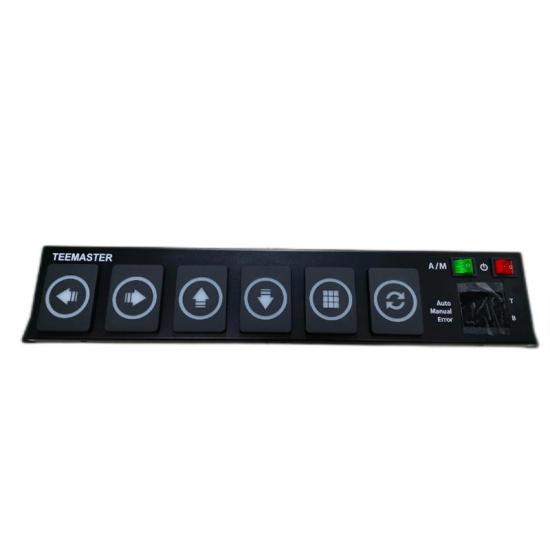
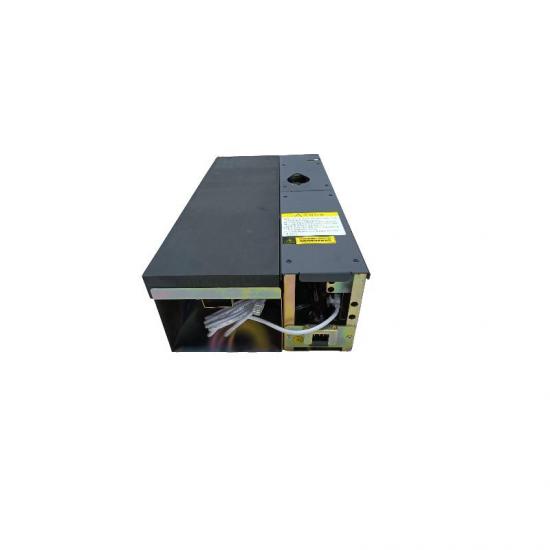
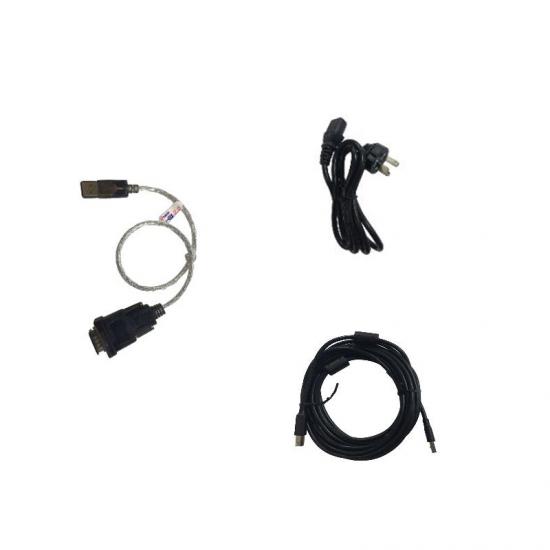
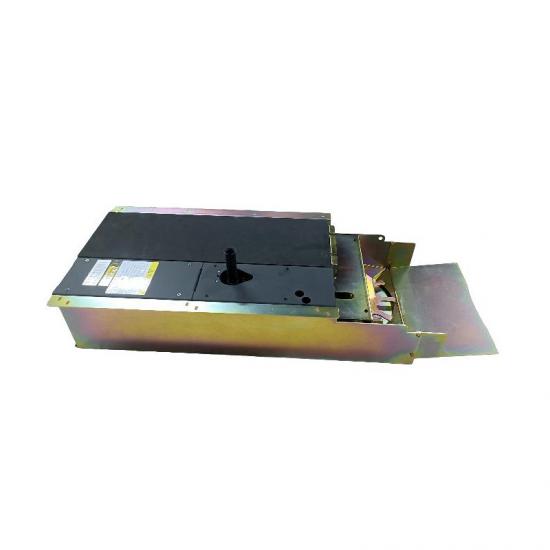
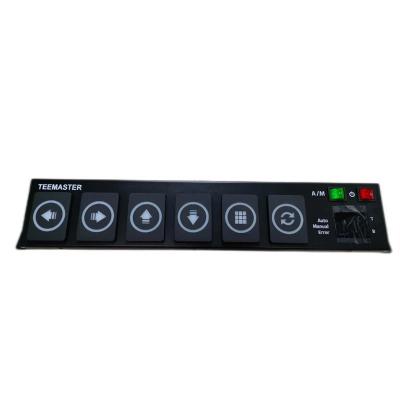
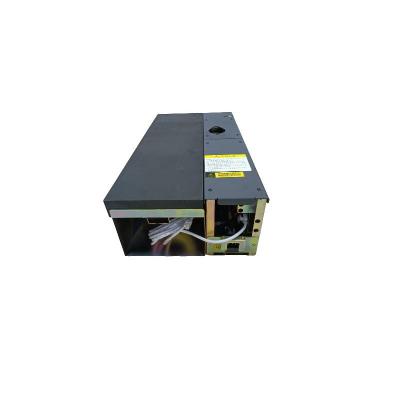
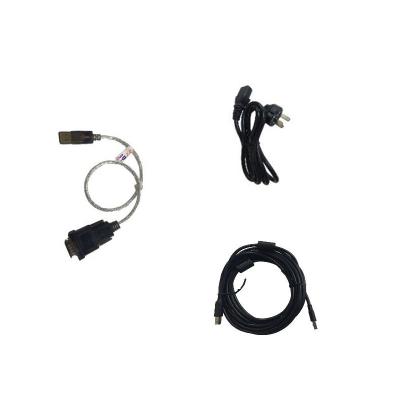
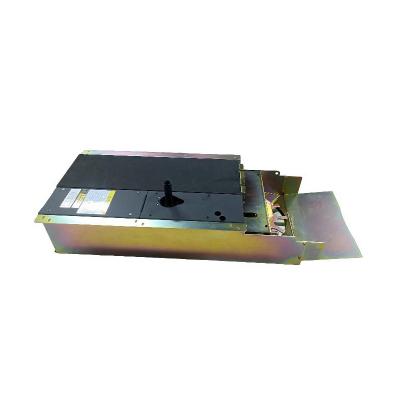
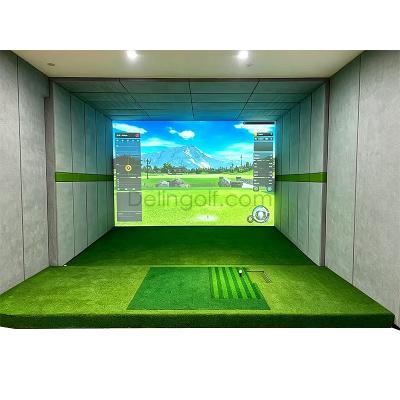
The TEEMASTER 160 is a high-performance intelligent golf tee-up system designed for indoor golf simulators, delivering seamless, automated tee service for golf practice and simulation scenarios.
Item NO.:
160Price:
$1340/setGoods stock:
100Shipping terms:
Shipping by UPS/FedexWeight:
29kgLead Time:
3-7daysTEEMASTER 160 Golf Auto Tee-Up System | Complete Guide & Simulator Setup
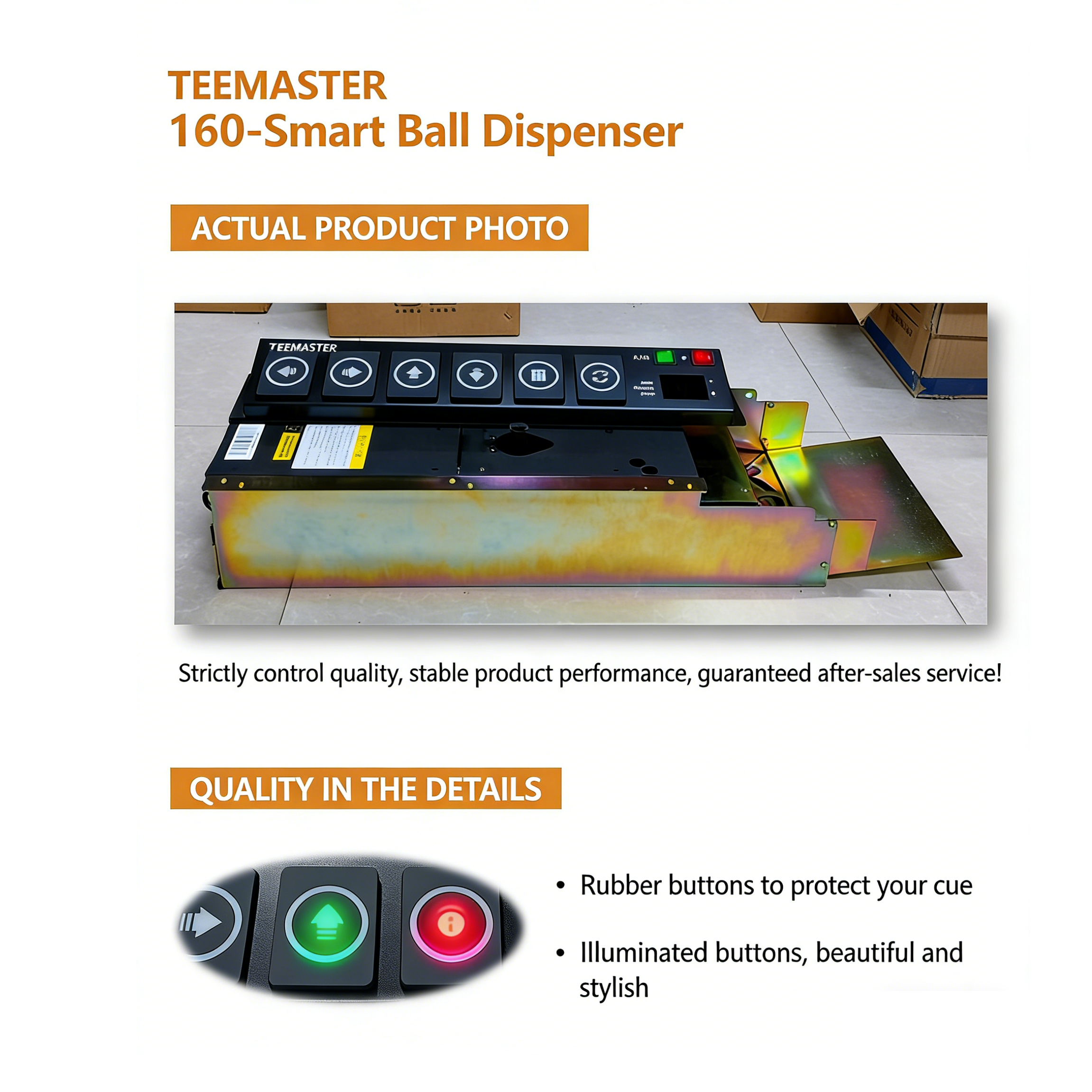
Key Features
• Intelligent Height Control: Syncs with simulator software to automatically adjust tee height for every club (irons to drivers)
• Continuous Ball Dispensing: Eliminates the need for manual tee placement, supporting uninterrupted practice sessions
• Built-In Practice Tracker: Monitors swing time, total balls hit, and real-time tee height display for data-driven improvement
• Durable Industrial Build: Heavy-duty construction designed for commercial and high-volume use (29kg weight for stability)
• Universal Compatibility: Works with all major indoor golf simulator software platforms
Installation Guide for TEEMASTER 160
Proper installation is critical to ensure smooth operation and longevity of your auto tee-up system. Please follow these steps:
1.Site Requirements:
• The ground must be level (within ±10mm tolerance) to avoid alignment issues.
• Leave 3m x 2m clearance around the device to avoid interfering with the ball's flight path.
• Power Requirements: AC 100V-240V, 50Hz-60Hz
• Required Tools: Level, electric drill, screwdriver set, measuring tape, and installation accessories (included with the device).
2. Step-by-Step Installation
Position the Unit: Place the TEEMASTER 160 on a flat, stable surface in the designated hitting area. Align the ball exit chute with the center of your hitting mat for optimal accuracy.
1. Secure the Base: Use the included mounting brackets to fasten the unit to the floor. This prevents movement during high-volume use.
2. Connect Power & Data: Plug the power cord into a grounded outlet and connect the data cable to your simulator computer.
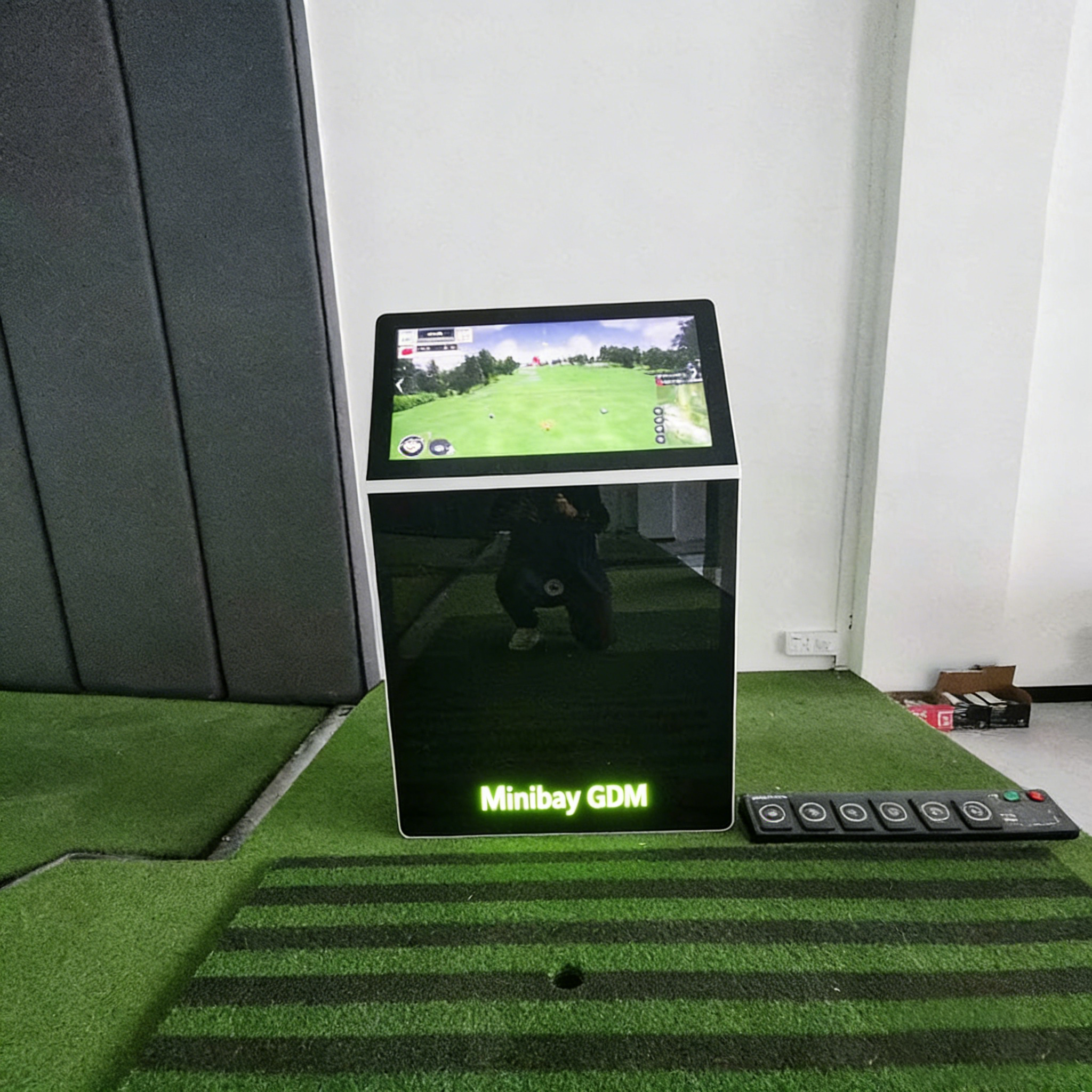
3. Calibrate with Simulator Software: Follow the on-screen prompts to sync the unit with your simulator system. This will calibrate tee height settings for each club.
4.Test Operation: Run a full cycle test to verify ball dispensing, tee height adjustment, and software communication are working correctly.
Frequently Asked Questions
Q: Can the TEEMASTER 160 work with any simulator software?
A: Yes, the unit is designed to integrate with all major indoor golf simulator platforms, including popular third-party software. Contact us for compatibility details with your specific system.
Q: What maintenance does the auto tee-up system require?
A: Keep the unit clean and free of debris, lubricate moving parts every 3 months, and perform a software calibration check quarterly to ensure optimal performance.
Q: Is this unit suitable for commercial use?
A: Absolutely. The heavy-duty construction and continuous operation capability make it ideal for driving ranges, golf academies, and commercial simulator facilities.
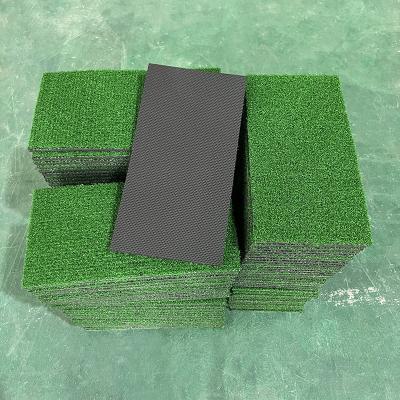
– Premium swing practice trainer for indoor use. Features a realistic turf surface, durable construction, and anti-slip base. Perfect for driving, chipping, and putting practice. Enhances accuracy and control. Ideal for golf enthusiasts.
Read More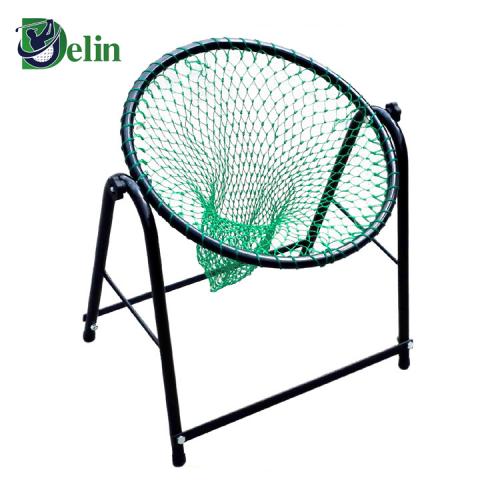
Driving range golf goal practice net cut ball basket swing accuracy ball trainer installed net adjustable angle
Read More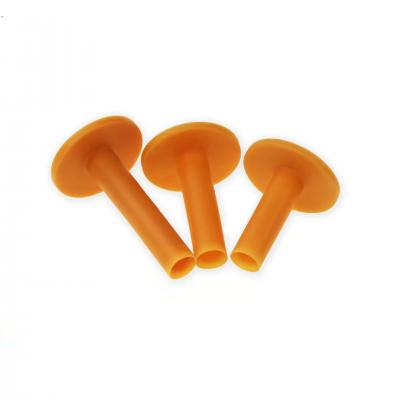
Made of durable rubber, this golf tee (ball stand) offers excellent flexibility and longevity. Designed for stable ball placement, it reduces breakage and ensures consistent drives. Suitable for all skill levels, the rubber tee minimizes club friction, enhancing performance. Perfect for practice or play, it’s an eco-friendly alternative to plastic tees. Ideal for driving ranges and courses.
Read More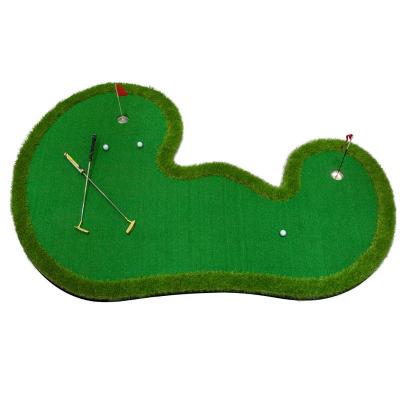
– Premium golf putting practice set with customizable dimensions. Perfect for indoor/outdoor training, improving your short game. Includes mat, cup, and balls. Great for all skill levels. Portable & easy to use. Elevate your golf skills today! ⛳
Read More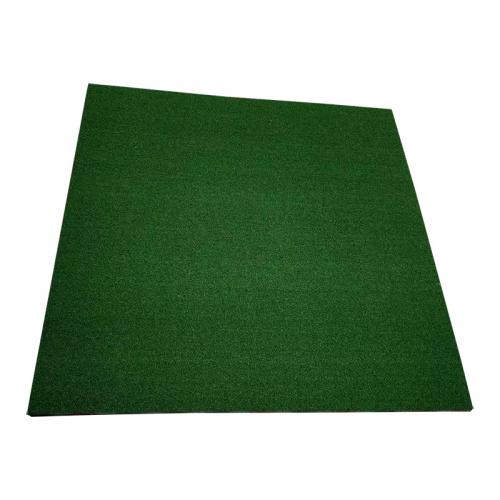
3D Shock Absorption Golf Practice Mat Enhance your golf training with our premium 3D Shock Absorption Golf Practice Mat, designed for superior performance and durability. Featuring a multi-layer construction, this mat ensures realistic turf feel, excellent shock absorption, and stability for consistent swings. Key Features: High-Quality Nylon Grass (15mm): Mimics real fairway texture for accurate ball response and club interaction. EVA Foam Base (17mm): Provides cushioning to reduce joint stress and fatigue during extended practice. Spring Layer (10mm): Enhances energy return for a more dynamic and responsive hitting surface. Reinforced Fill Glue Layer (10mm): Adds structural integrity and prolongs mat lifespan. Non-Slip Bottom: Keeps the mat securely in place during intense swings, ideal for driving ranges or home use. Perfect for golfers of all levels, this mat delivers professional-grade performance with unmatched durability. Upgrade your practice sessions today! Ideal for: Driving ranges, home practice, indoor/outdoor use. Multiple sizes of this pad can be selected PZ-H0006 100*100cm Thickened golf hitting mat PZ-H0007 100*125cm Thickened golf hitting mat PZ-H0008 100*150cm Thickened golf hitting mat PZ-H0009 150*150cm Thickened golf hitting mat
Read More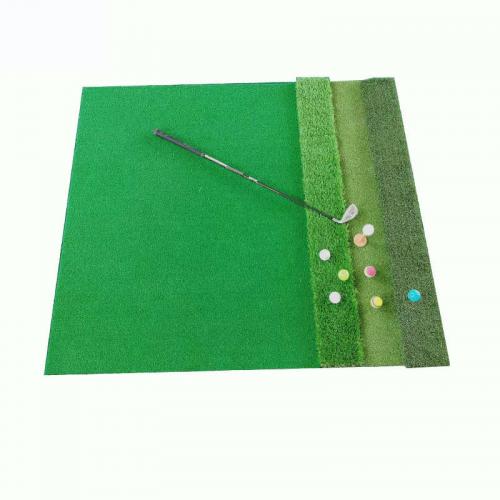
Features: 1. Combination of long grass and short grass, the long grass area can be made to be disassembled separately, and can be replaced after long-term wear and tear, which is convenient and practical.
Read More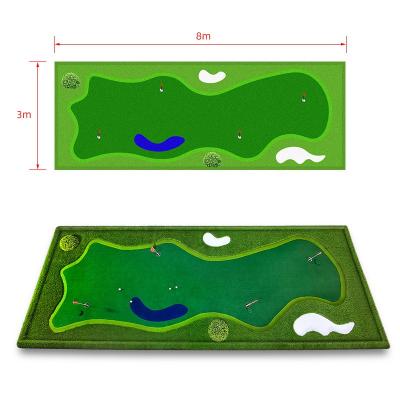
Enhance your golf skills anytime, anywhere with our Office Mini Practice Golf Putting Green! Perfect for indoor use, this compact and portable putting green is designed to help you practice your short game with ease.
Read More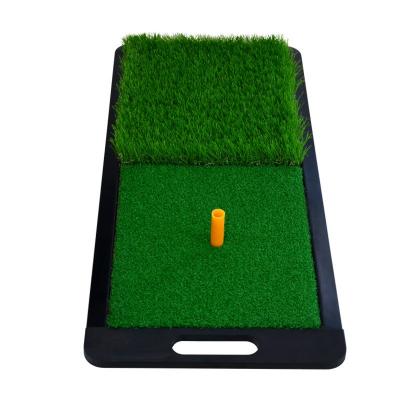
Portable Golf Swing Mat (30x63cm, 2.3kg) – Features durable rubber base for indoor/outdoor use. Practice chips in long grass and swings in short grass. Lightweight, easy to carry. Perfect for refining short game skills anywhere.
Read More


 English
 español




 IPv6 network supported